
The Ethiopian National ID is known as Fayda. It gives every citizen and legal resident one unique number. That number connects a person to banks, telecom, schools, and government services. An Ethiopian National ID check online is the process of confirming if your record is active. People use this to verify Ethiopian ID online before they open a bank account or use official apps.
What is Fayda ID and the National ID Program in Ethiopia
The Fayda ID is Ethiopia’s official national identification system. It gives each citizen and legal resident a unique ID number. This system is part of the broader National ID Program. It connects people to services like banking, healthcare, and education.
The program began under Proclamation No. 1284/2023, a law that sets up the national ID system for Ethiopia. The goal is simple: one identity per person. This helps to ensure data security and simplify access to services.
Historical background and program launch
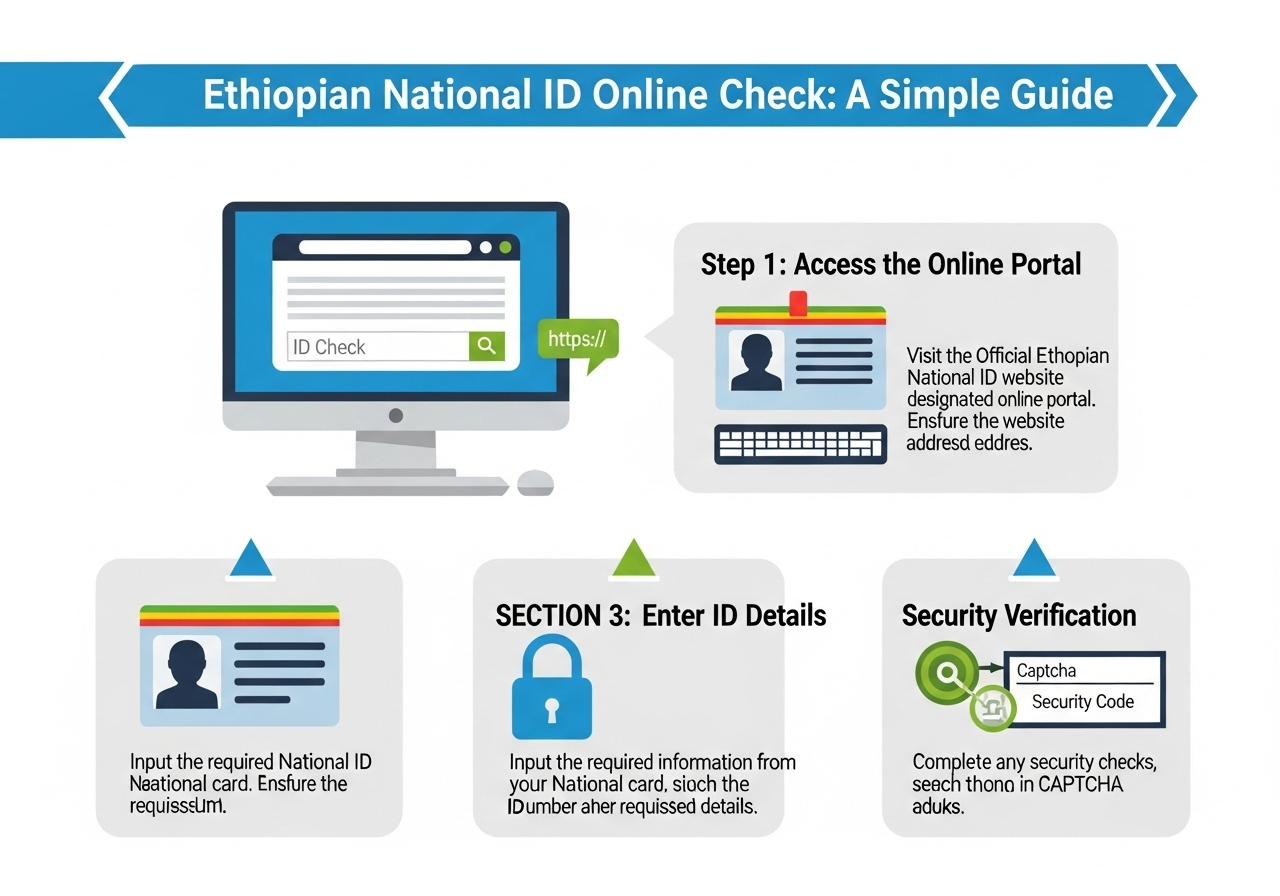
The National ID Program was officially launched in 2023. It’s a key part of Digital Ethiopia 2025, a plan to modernize the country’s digital services. The goal is to create a unified system to make identity verification easier and safer.
Goals of the National ID Program
The National ID Program aims to:
-
Provide every Ethiopian with a biometric ID including fingerprints, photos, and iris scans.
-
Ensure everyone has one ID to prevent fraud and identity theft.
Key features of Fayda ID
Here are the key features of the Fayda ID:
-
It includes a 12-digit ID number (FIN, FCN, and RID), unique to each individual.
-
It is a biometric ID, with fingerprints, a face photo, and iris scans for identity verification.
The ID is available in both digital and physical formats. A soft copy or printable version is available, integrated with the telebirr SuperApp for easy access.
Why and When You Need to Check Your Fayda National ID Status Online
Verifying your Fayda National ID status is important for accessing services like banking, telecom, and government services. Checking your ID ensures there are no delays when you need to use it. It also helps confirm that your identity is valid, especially before using your ID for official purposes. You may need to check your status in the following situations:
-
After registering for the Fayda ID
-
Before paying fees or accessing services
-
When renewing or updating your records
-
If your ID is lost or you suspect errors in your data
How to Check Ethiopian National ID (Fayda) Online – Step by Step Guide
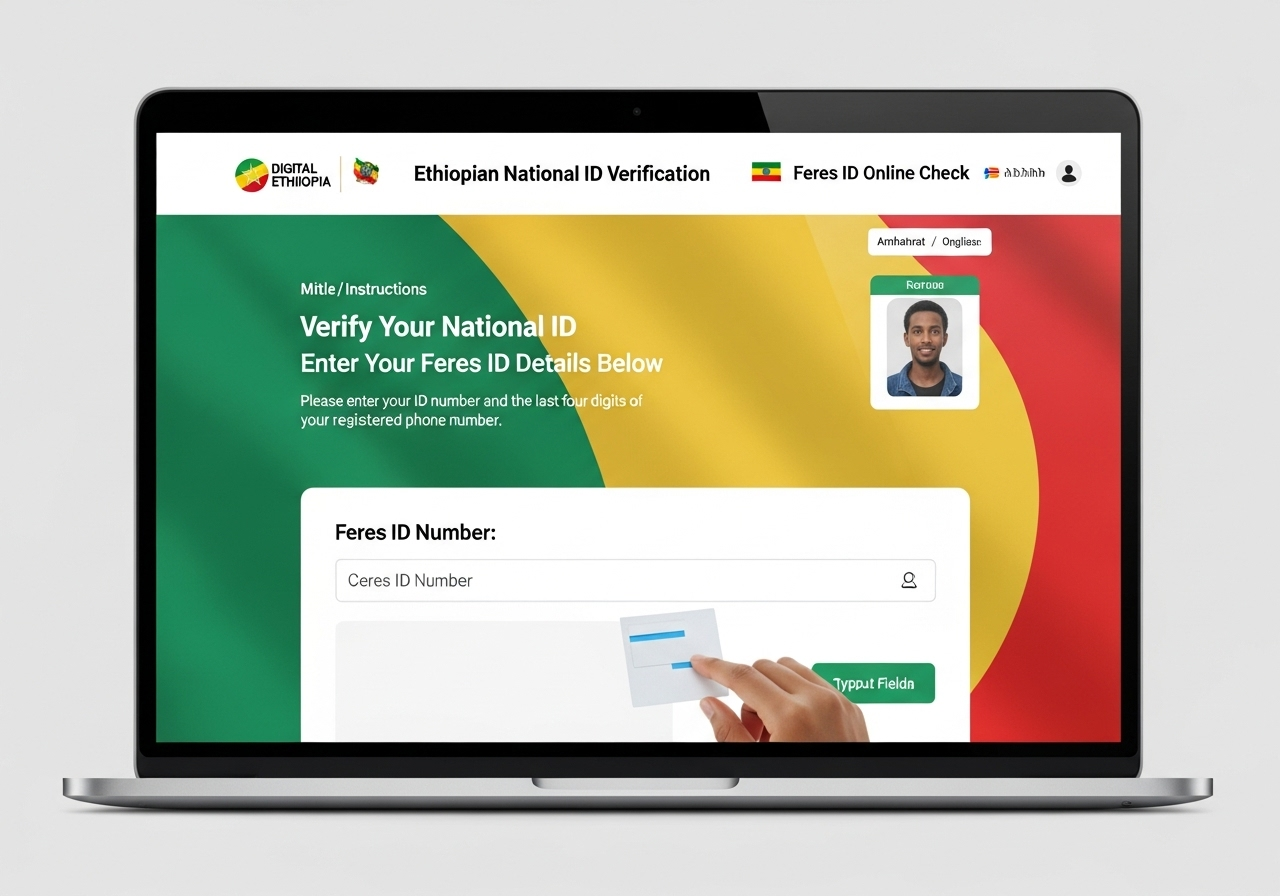
You can easily check your Fayda ID status online through the NID Resident Portal. Here’s a simple guide to help you through the process:
Using the NID Resident Portal
To start, visit the Resident Portal. Here’s the URL to access the portal: resident.fayda.et. Once there, you’ll need to log in using your credentials.
What credentials do you need?
You will need:
-
Your Fayda Identification Number (FIN) or Fayda Code Number (FCN)
-
Your Registration ID (RID)
-
Your mobile number
-
OTP (One-Time Password), which will be sent to your mobile number for verification
Process:
-
Enter your details (FIN, FCN, RID, and mobile number).
-
Request the OTP.
-
Enter the OTP to verify your identity.
-
Finally, you’ll be able to view your ID status.
Using the Fayda Mobile App
You can use the Fayda Mobile App for several important tasks.
It allows you to:
-
Check your ID status
-
Verify your ID
-
Download a soft copy of your ID
-
Manage your ID details
Steps to use the app:
-
Install the app from Google Play.
-
Log in with your credentials.
-
Go to the status/verification section to check your ID’s status.
Via Telebirr SuperApp / Soft-copy via Ethio Telecom / Integrated Mini-App
You can access your Fayda ID through the Telebirr SuperApp or by getting a soft copy from Ethio Telecom’s mini-app.
Here’s how you can do that:
-
Open the Telebirr SuperApp.
-
Find the Fayda mini-app.
-
Retrieve your printable ID when needed.
Pros and cons of this route:
-
Pros: Very fit for mobile users, easy access at any time.
-
Cons: Requires internet access, may be hard to use in areas with weak connections.
Understanding Status Messages and What They Mean
When you check your Fayda ID status, you might see labels like Pending, Verified, or Active. Here’s what they mean:
Common Status Labels (Pending, In Review, Verified, Active, Rejected, Suspended, etc.)
-
Pending: Your application is still being processed.
-
In Review: The details you submitted are being verified.
-
Verified: Your ID is successfully verified.
-
Active: Your ID is fully active and ready to use.
-
Rejected: There was an issue with your application.
-
Suspended: Your ID is temporarily suspended.
What to Do if Status is Rejected / Suspended / Expired
If your status is Rejected, Suspended, or Expired, here’s what you need to do:
-
Rejected: Check if your details are correct, then reapply.
-
Suspended: Contact support to resolve the issue.
-
Expired: Renew your ID or update your information.
Troubleshooting Common Issues When Checking Fayda ID Online
If you face issues checking your Fayda ID online, here are some common problems and how to fix them:
OTP Not Received or Invalid, Problems with Internet or App
-
If you didn’t receive the OTP, double-check your mobile number and try again.
-
Make sure your internet connection is stable.
-
Try restarting the app or refreshing the portal.
Mistyping FIN / FCN / RID
-
Ensure you’ve entered the correct Fayda Identification Number (FIN), Fayda Code Number (FCN), and Registration ID (RID).
-
Even a small mistake can prevent the system from verifying your information.
Portal Down, System Maintenance, Waiting Times
-
If the portal is down, wait and try again later.
-
System maintenance might be ongoing, so the service may not be available for a while.
Lost ID Number or Forgot Your FIN – How to Recover
If you’ve lost your Fayda ID number or forgot your FIN, you can recover it.
Contact Fayda support or use the recovery option on the Resident Portal to retrieve your details.
Requirements & Documents Needed for Fayda ID Verification and Registration
To register for the Fayda ID, you will need a few key documents:
Proof of Citizenship: Birth Certificate, Passport, Kebele ID, etc.
You must provide valid proof of citizenship. Acceptable documents include:
-
Birth certificate
-
Passport
-
Kebele ID
Biometric Captures: Photo, Fingerprints, Iris Scan
The registration process also requires biometric data:
-
A clear photo
-
Fingerprints
-
Iris scan
Valid Mobile Number, Address, etc.
Provide a valid mobile number for contact and a current address. Other personal details might also be required for the registration.
Privacy, Data Protection & Legal Framework of Fayda / National ID Program
The Fayda ID Program follows the Ethiopian Digital Identification Proclamation to protect your personal information.
What the Law Says: Ethiopian Digital Identification Proclamation
The Ethiopian Digital Identification Proclamation ensures that your data is safe. Only authorized entities can access your data for specific purposes, like providing services.
How Data is Stored, Who Can Access, Purpose Limitation
Your personal data is stored securely. It can only be accessed by official authorities for reasons like service delivery or preventing fraud.
Security Measures, Identity Fraud Prevention, and Resident Rights
The program is built with strong security to protect your identity. You have the right to request access to your data, make corrections, and ensure your information is handled properly.
Benefits of Having a Verified Fayda National ID
Having a verified Fayda ID offers several advantages. It gives you easy access to government services, banking, education, and telecom. With a digital ID, you can quickly verify your identity through eKYC. You can also use a soft copy of your ID, cutting down on physical paperwork. The Fayda ID helps support the digital economy. It builds trust in your identity and ensures inclusion, especially for people in rural areas.
How to Renew, Replace, or Update Your Fayda National ID
Your Fayda ID might need to be renewed or replaced.
When Renewal / Replacement is Needed
You need to renew or replace your Fayda ID if:
-
It’s expired
-
It’s damaged
-
You’ve lost it
Process for Updating Demographic Data
If you need to update your details, such as your name, address, or photo, you can:
-
Visit the Fayda Resident Portal
-
Submit your updated information along with any required documents
Fees Involved, Timelines
There might be a fee for renewing or replacing your ID. It usually takes a few days to weeks for the process to complete.
FAQs
What is a Fayda Identification Number (FIN)?
The FIN is a unique number for each person. You need it to check your Fayda ID status online.
How can I check my Fayda ID status online?
Go to the Resident Portal or use the Fayda Mobile App. Enter your FIN, request the OTP, and check your status.
What do status labels like “Pending” and “Verified” mean?
-
Pending: Your application is still being processed.
-
Verified: Your identity is confirmed.
-
Active: Your ID is ready to use.
-
Rejected: There was an issue with your application.
What documents are needed to register or verify my Fayda ID?
You need:
-
Proof of citizenship (birth certificate, passport).
-
Biometric data (photo, fingerprints, iris scan).
-
Mobile number and address.
Is my personal data safe with Fayda ID?
Yes, your data is protected by the Ethiopian Digital Identification Proclamation. Only authorized parties can access your information.
Conclusion
It’s important to regularly check your Fayda ID status. This helps you avoid issues when accessing services. Always use official channels to update and verify your information. Keep your data secure and up-to-date.