
Introduction
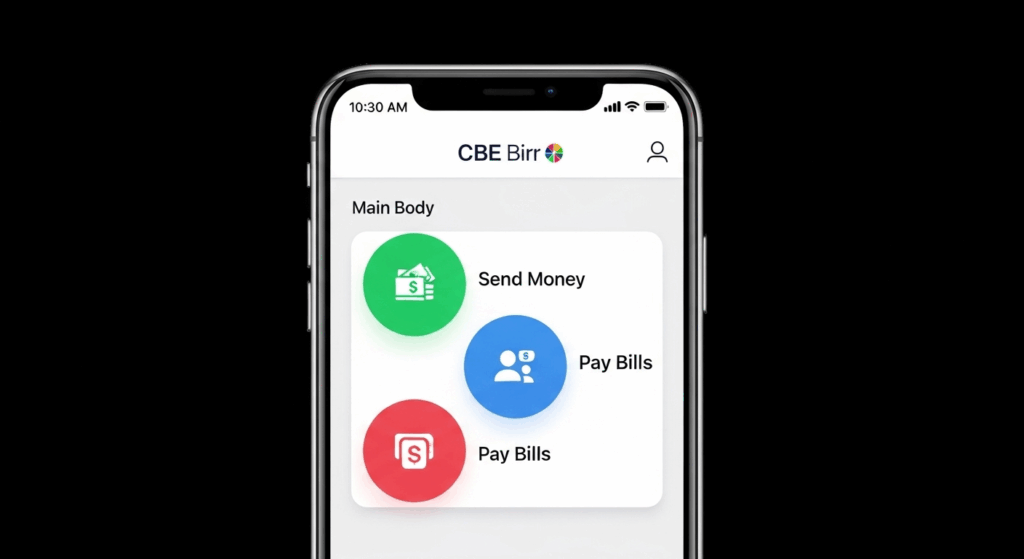
CBE Birr App is the official mobile banking application developed by the Commercial Bank of Ethiopia (CBE). It’s one of the most trusted and popular digital finance tools in Ethiopia. By using this app, users can easily send and receive money, pay bills, and top up airtime all from own smartphones. It brings banking services closer to everyone, no matter where they live.
Overview of CBE Birr App
CBE Birr use in daily financial tasks by allowing users to access services 24/7. You will no longer need to stand in long bank serial to transfer money or check your balance. The app has become a key part of Ethiopia’s growing digital economy. Whether you’re managing personal finances or running a small business, CBE Birr gives you the flexibility to bank anytime, anywhere.
Importance of Digital Banking in Ethiopia
Digital banking is growing so fast in Ethiopia, and CBE Birr is leading that lead. It helps millions of people access financial services without going to a physical bank branch. People in rural and urban areas can easily open accounts by using app, make payments, and transfer funds securely and easily.
CBE Birr also focuses on user safety. It use the modern security technologies like data encryption and two-factor authentication to protect users’ money and information. Its simple interface and support for multiple languages make it easy for everyone.
Key Features of CBE Birr App
Money Transfers
One of the most used features of the CBE Birr App is money transfer. You can send money instantly to friends, family, or business partners within Ethiopia or abroad. Transfers between CBE accounts are fast and secure. The app also supports transfers to other local banks and mobile wallets. There are small service fees, depending on the type and amount of transaction. Transfer limits are designed to protect your account and reduce fraud risks.
Bill Payments
CBE Birr App makes it easy to pay your monthly bills directly from your phone. You can settle electricity, water, internet, and tax bills in just a few taps. Here’s how it works: Open the app, select “Bill Payment,” choose your service provider, and enter the required details. Then, confirm your payment. It saves time, reduces errors, and provides instant receipts for every single pcs transaction.
Airtime Top-Up
You can also buy airtime for yourself or others directly through the app. It supports all major Ethiopian telecom networks. Simply open the “Airtime Top-Up” section, select your network, and choose the amount.
Your phone/sim number will be recharged instantly. This feature is very useful, especially when you need airtime urgent basis or want to top up for family members.
Bank Account Linking
Linking your bank account to the CBE Birr App gives you full control over your finances. Once linked, you can move money easily between your CBE account and your Birr wallet. This helps you manage your savings, payments, and transfers in one place. It also makes deposits and withdrawals faster and more convenient.
CBE Beje (Micro Saving and Loan)
CBE Beje is one of the most innovative features of the app. It allows users to save small amounts and access micro-loans directly from their phone. The process is simple deposit a small amount regularly, build your savings, and apply for a micro-loan when needed. This service empowers small business owners, farmers, and individuals who may not have access to traditional banking loans.
Magic Pay
Magic Pay is CBE’s quick payment option inside the CBE Birr App. It lets you pay instantly by scanning a QR code or entering a merchant code. It’s ideal for shops, restaurants, and service providers that accept CBE Birr payments. You don’t need cash just your phone and an active CBE Birr account.
Scheduled Payments
CBE Birr App also allows users to set up recurring or scheduled payments. You can schedule for latter like loan payments, bill payments, or transfers on specific dates or time. This ensures you never miss your due dates again. You always can view, edit, or cancel your scheduled payments anytime from your app’s dashboard.
How to Download and Install CBE Birr App
For Android Users
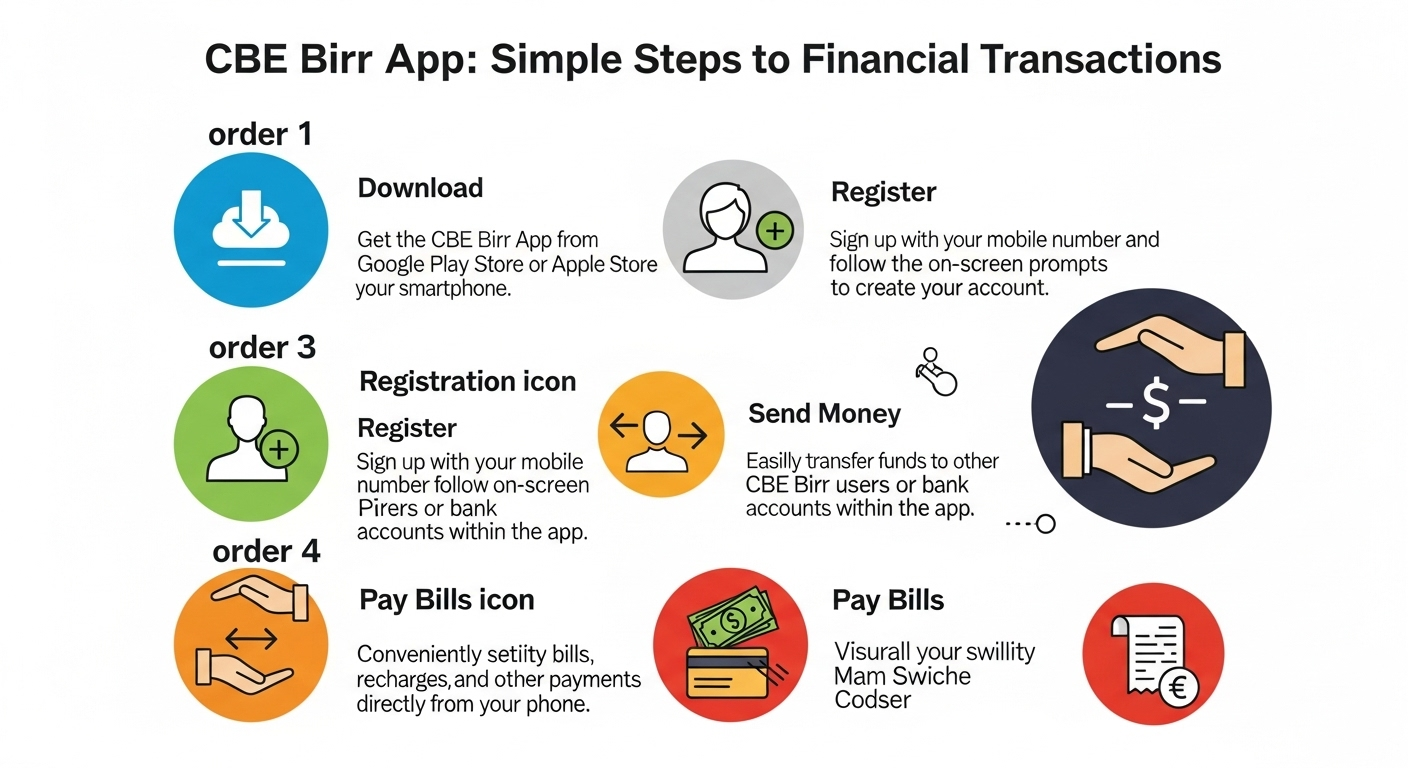
You can download the CBE Birr App easily on your Android phone. Open Google Play Store and search “CBE Birr App” in the search bar. Tap on Install and wait for complete. After that, open the app and follow the setup steps from your screen. You’ll need to enter your phone number and set a new PIN.
Make sure you use the same number that’s linked to your CBE account. If the app isn’t available in the Play Store, you can get the CBE Birr App APK from the official CBE website. Avoid downloading from unsafe sites to stay safe.
For iOS Users
If you’re using iPhone, go to App Store and search for “CBE Birr App.” Tap on Get and wait for download. Once installed, open the app. Enter your phone number, verify it, and create your PIN. You can now start using services like transfers money, payments, and airtime top-ups. Make sure your iOS version is updated or installed from app store.
For PC Users
CBE Birr is mainly made for mobile phones. But you can also access some features on your computer. Go to the official Commercial Bank of Ethiopia website. Then open the CBE Birr section to log in to your account. You can check your wallet balance and manage your account.
But features like QR payments or Magic Pay might not work on PC. If you want to use the app directly in your laptop or pc, you can install an Android emulator like BlueStacks. Then download the CBE Birr App APK and open it inside emulator.
How to Register and Login to CBE Birr App
Registration Process
After installing the app, open it and tap Register. Type your phone number and national ID. You’ll get a code by SMS enter it to verify your number. Then create a PIN to keep your account safe.
If you already have a CBE bank account, you can link it right away. That makes it easy to move money between your bank and wallet. Registration only takes a few minutes. Once done, you can start using all features.
Login Procedure
To log in, open the CBE Birr App and enter your phone number. Then type your PIN and tap Login. You’ll see your account dashboard right away. From there, you can check your balance or send money.
If you forget your PIN, tap to Forgot PIN and follow all the steps. You’ll get a code to reset it safely. Make sure you have a stable internet connection wifi/LTE. Older app versions may cause login errors always update it.
CBE Birr App Security Features
Data Encryption
Your safety comes first. The CBE Birr App protects every detail you share using data encryption. This means all your personal and banking data is locked and hidden from others. Only you and the bank can see your information. Encryption keeps hackers away and makes your digital banking safe. It’s one of the main reasons users trust CBE Birr.
Two-Factor Authentication
The app supports two-factor authentication (2FA). It added another layer of security to your account. When you log in or make a big transactions, you’ll get a one-time code by SMS. You must enter that code to log in or transfer money. Even if someone knows your PIN, they also can’t login your account. It’s easy to set up and very useful for security.
Account Recovery Options
If you lose your PIN or can’t access your account, don’t be worry. CBE Birr has simple recovery option for recovery. You can reset your PIN by using the app. Or contact CBE customer support for help if you don’t know. They’ll ask for your phone number and ID card information for confirm your identity. Once verified, they’ll help you recover your account quickly.

Common Issues and Troubleshooting
App Crashes or Freezes
Sometimes, the app may be hang or close by itself. This usually happens when your phone storage is low or your app is old version. Try clearing the app’s cache first. If it still doesn’t working, update the app or reinstall it. You can also reach out to CBE support for more help.
Transaction Failures
A failed transaction can happen for many reasons. It might be due to poor network, low balance, or server delay. If it fails, check your internet and try again. If money is deducted but not received, don’t worry contact CBE customer care. Give them your transaction ID, and they’ll fix it for you.
Login Problems
If you can’t log in, double-check your internet connections and phone number also PIN. If you still can’t sign in, try to reset your PIN. Avoid trying many times stopped after 3 time, or your account may get locked. You can always call CBE support if you need help unlocking your account.
FAQs
What is the CBE Birr App?
CBE Birr App is a mobile banking app released by the Commercial Bank of Ethiopia (CBE). It help you send money, pay bills, buy airtime, and manage your account easily from your phone.
Is the CBE Birr App free to use?
Yes, the app is free to download and use. However, some services like transfers or certain bill payments — may have small service fees.
Can I use CBE Birr without a CBE account?
Yes, you can. Non-CBE customers can still register and use the app for mobile money services. But linking a CBE bank account gives you access to more features and faster transactions.
How do I update my CBE Birr App?
To update, go to Google Play Store or Apple App Store and search “CBE Birr App.” If an update is available, tap “Update.” You can also enable automatic updates to get the latest version always.
What should I do if I forget my CBE Birr password?
Open the app and click on “Forgot Password.” Follow the instructions to reset it using your registered phone number. If that doesn’t work, contact CBE customer support for help.



Pingback: Amole App Ethiopia: How to Use, Register, and Send Money Easily